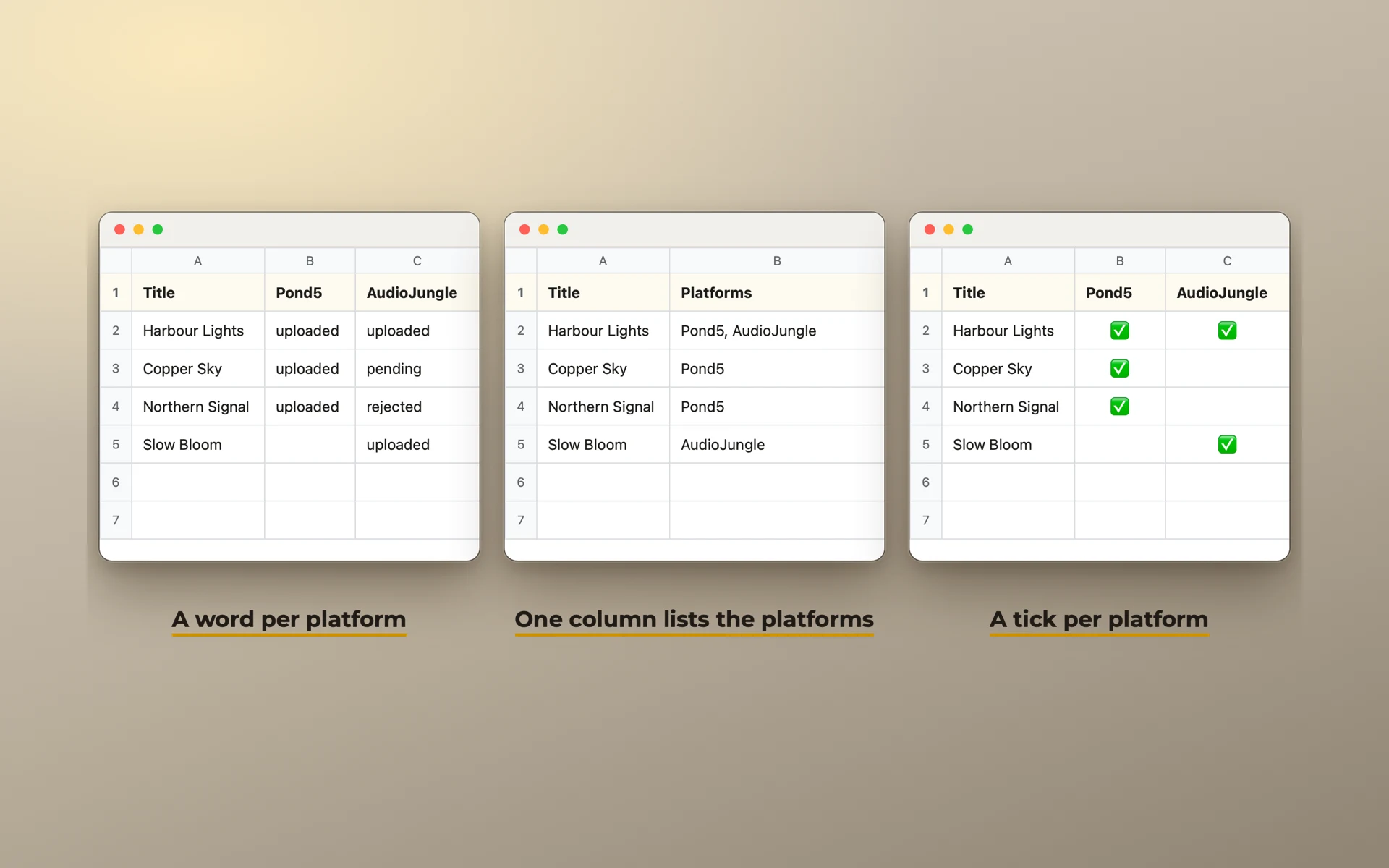
Spreadsheet or catalog app: when a sheet stops working
A spreadsheet is a good music catalog for a long time. Here are the signs it no longer is, and what to look for in its place.
In short. If you have a few hundred tracks, a few platforms, and you open your sheet every week, keep it. It stops working when you spend more time on the sheet than on the catalog: when words drift, titles repeat without anyone noticing, and you can't see where a track is without scrolling. Then a catalog app is worth the move, if it imports your sheet and lets you export it back.
When a spreadsheet is enough
A spreadsheet is free, flexible, and you already know it. For many producers it is the right tool:
- a catalog of up to a few hundred tracks;
- a handful of platforms;
- you are the only person who edits it;
- you update it when you upload.
If that is you, use our free template and the routine for keeping it current. You don't need anything else.
Signs it has stopped working
- You scroll sideways to see where a track is. With ten platforms and twenty other columns, a track's state no longer fits on one screen.
- The same word is written three ways.
Upbeat,upbeatandUpbeat/Energetic. A filter finds one of them. - A title repeats and nobody notices. Two tracks called "Rain", three years apart. One of them is on a platform under that name.
- One row isn't enough. A track has five versions, two ISRCs and is on three releases. The cells fill with lists separated by commas.
- You keep rebuilding the sheet. New columns, new colours, new workarounds every few months.
- You stop opening it. The record gets old, and an old record is worse than none.
One or two of these is normal. Four or five means the sheet costs more time than it saves.
A composer described his own sheet like this:
"I created my own spreadsheet with plenty of hyperlinks and simple formulas. It is so cumbersome I doubt anyone else could navigate it."
What to look for in a catalog app
- Status by platform, at a glance. The whole point. One look at a track tells you where it is.
- It imports your sheet as it is. Your columns, your words, your platforms. Moving should not mean typing your catalog again.
- It exports back to a spreadsheet at any time. If you can't leave easily, think twice before you arrive.
- Words from lists. Genre, mood and the rest picked from lists that stay the same across the catalog.
- It catches duplicate titles, including names on platforms and old titles.
- Your data stays yours. Where it is stored, whether it needs an account, what happens when you stop paying.
- Backups that you can open on another computer.
What moving costs
This is the question that keeps most people in their sheet:
"Putting it all into a database would take what, a week? Two?"
With an import that reads your sheet as it is, moving takes an evening or two, not weeks. Most of the time goes into one question: which of your columns is which. Do it once, carefully. Fix what came in wrong afterwards.
Keep the old sheet. Export it once more on the day you move, and put it next to your backups. If the new tool doesn't work out, you go back with nothing lost.