Tutorials
How to set up tracklog, bring in your catalog and keep it up to date.
Start here: First minutes
Your first session, step by step. Add a track, mark where it is, see what still needs uploading, find any track and keep a copy of your catalog.
Open the first steps →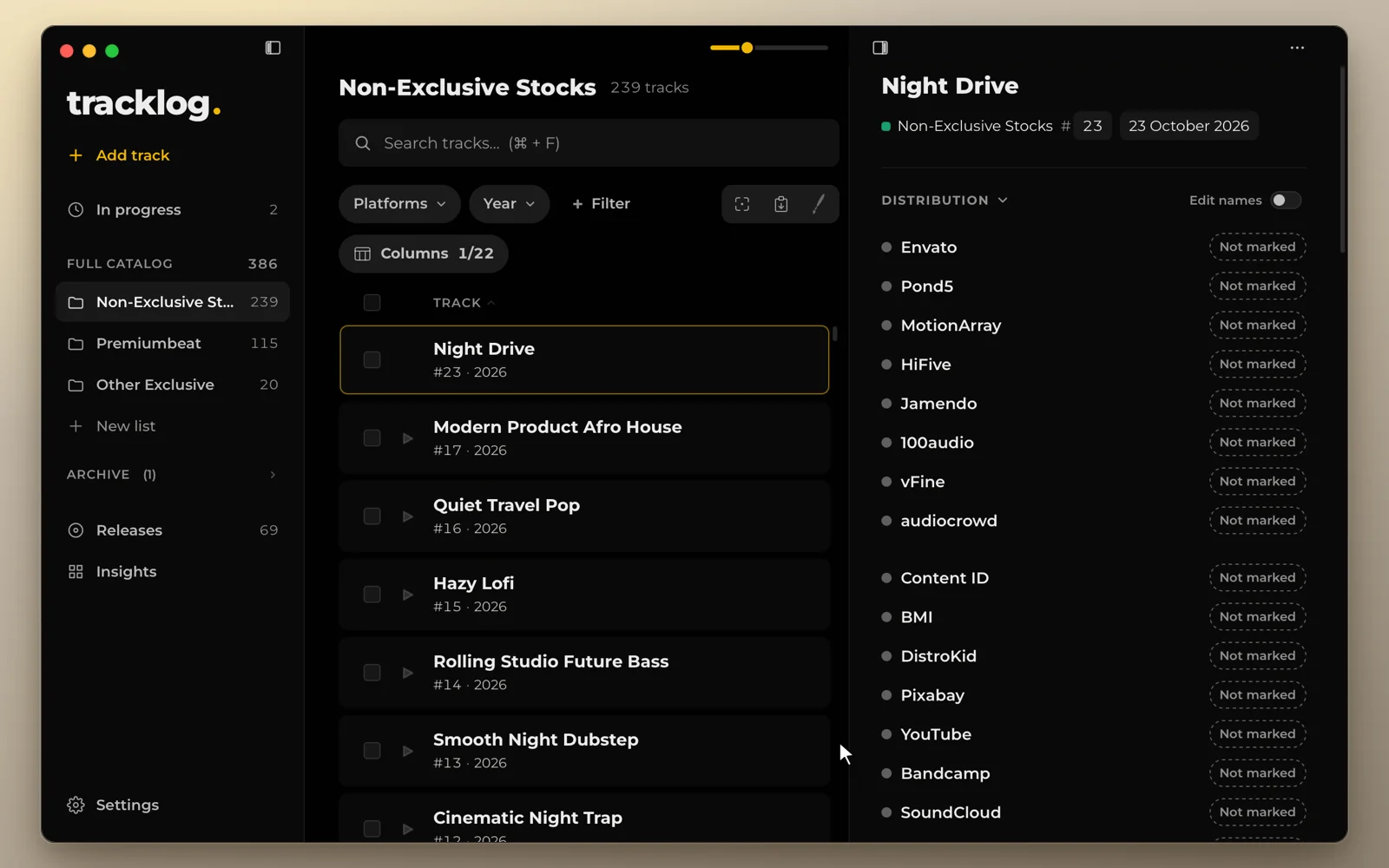
Getting started
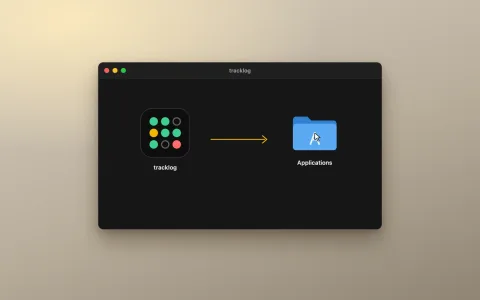
New to tracklog? Download it free for 14 days.
Basics
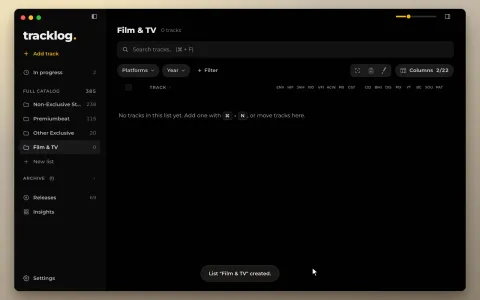 Lists and platformsA list is a folder for tracks. Each list has its own platforms, so each list shows only the columns that matter for it.
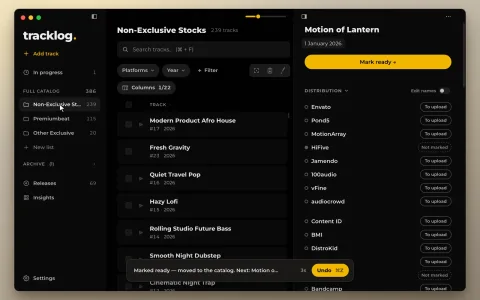 In progress and catalog numbersA track you are still writing waits in In progress. When it is finished, it moves to a list and gets a catalog number.
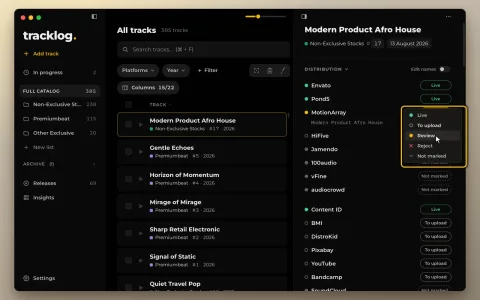 StatusesEach track has one status on each platform. Five statuses, the same colors everywhere in the app.
Everyday work
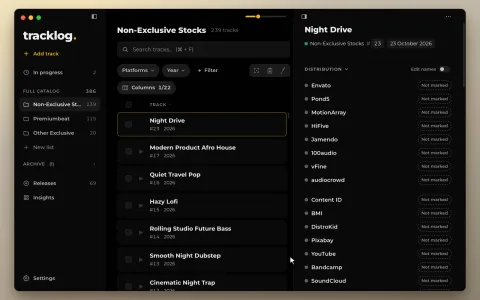 Add a trackAdd one track by hand. For many tracks at once, import a spreadsheet or a folder.
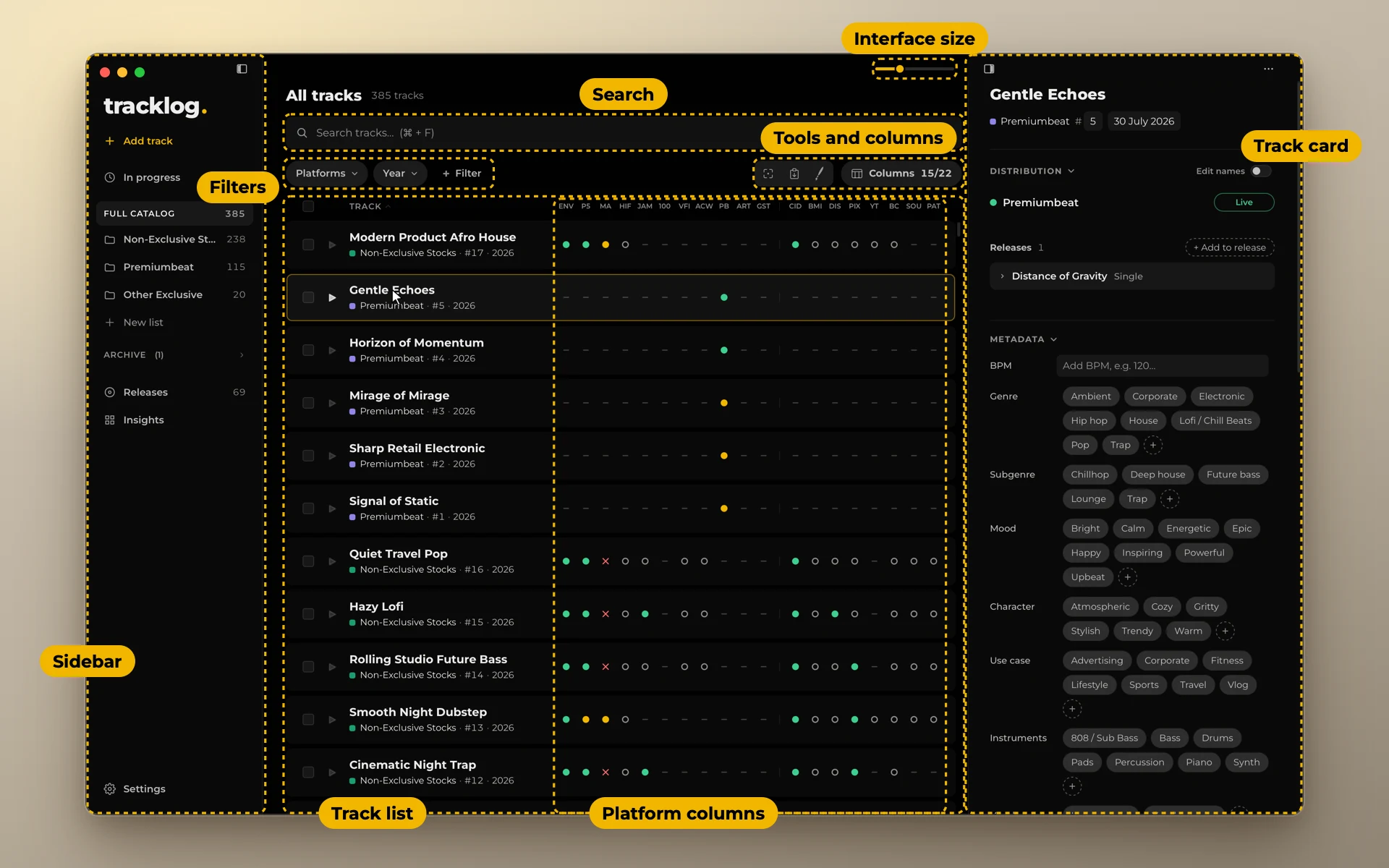
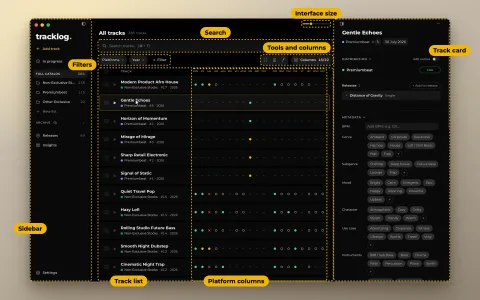
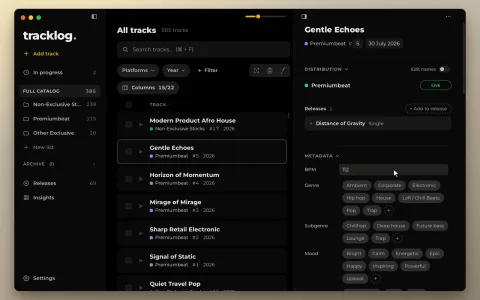 Track cardClick a track and its card opens on the right. Everything about the track is here, and one click edits any value.
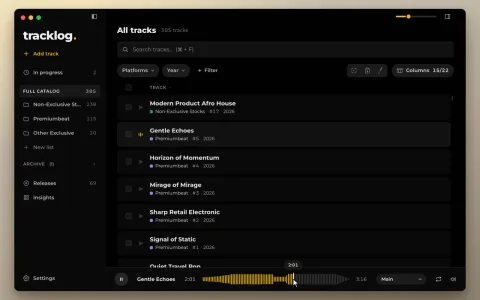 Listen to your tracksPlay any track right in the catalog. The sound comes from your own files, where they lie on your drive.
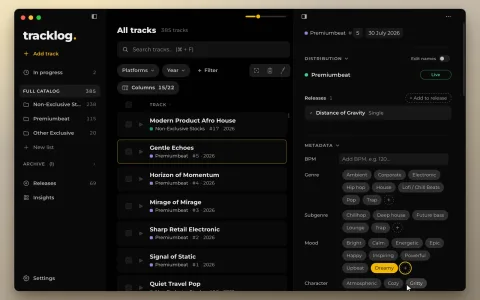 Genres, moods and tagsDescriptive fields are picked from word lists, so the same word is spelled the same way on every track.
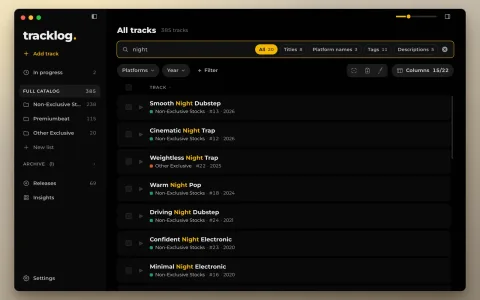 Find tracksSearch looks through everything on a track. Filters show only the tracks you need right now.
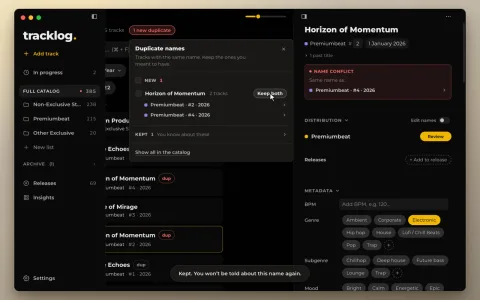 Duplicate namestracklog tells you when two tracks share a name. Keep the ones you meant to have, and it stops counting them.
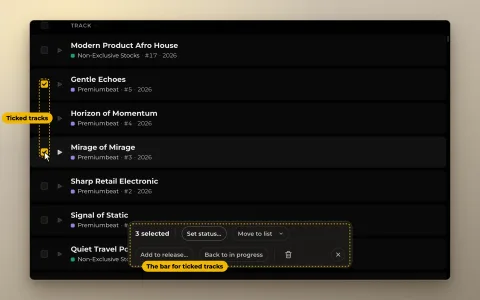 Edit many tracksTick several tracks and change them together.
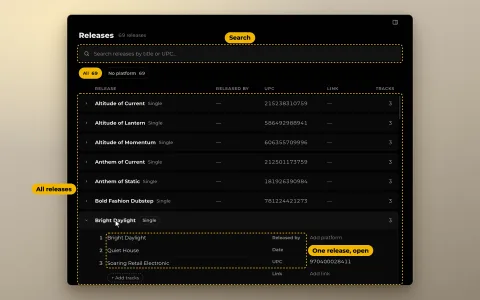 ReleasesA release is an album, EP, single or pack. One track can be in several releases.
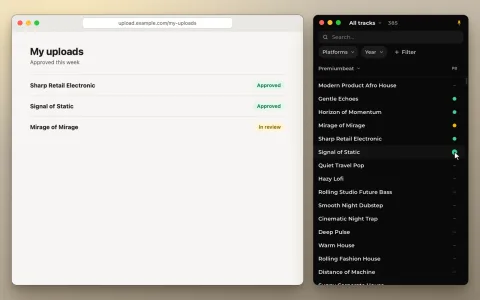 Fill mode and focus windowA small window that stays next to your browser during an upload session. It has two modes: focus and fill.
Your data
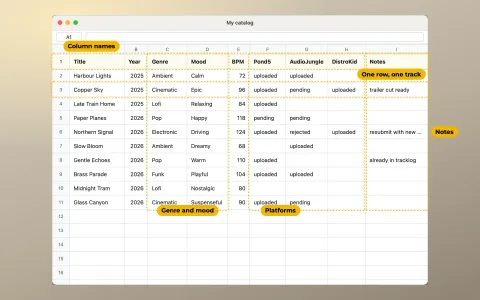 Import a spreadsheetBring your catalog in from a Google Sheet, a CSV or an Excel file. Nothing is saved until you press Import.
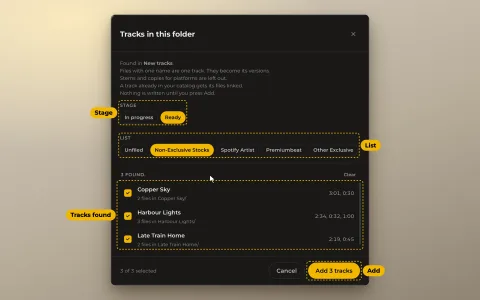 Import a folderAdd tracks from a folder of audio files. tracklog reads the names, the versions and their lengths.
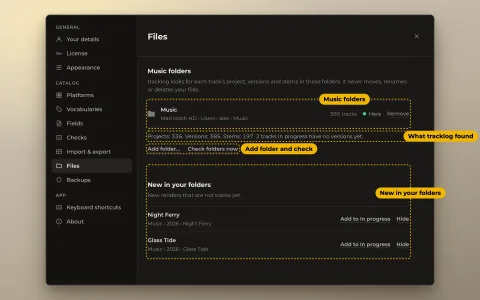 Link your filesShow tracklog the folders where your music lives. Each track then knows its project, its versions with their lengths, and its stems.
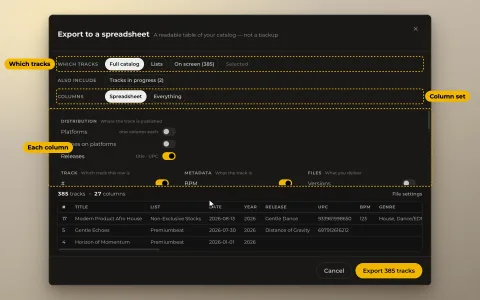 ExportSave your catalog as a spreadsheet. Choose the tracks and the columns, and see the result before saving.
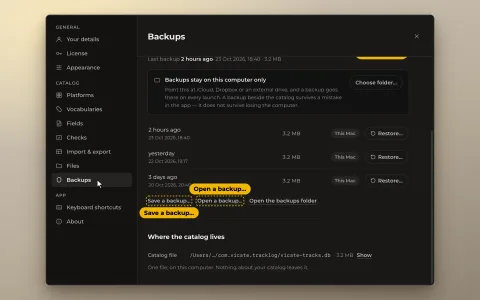
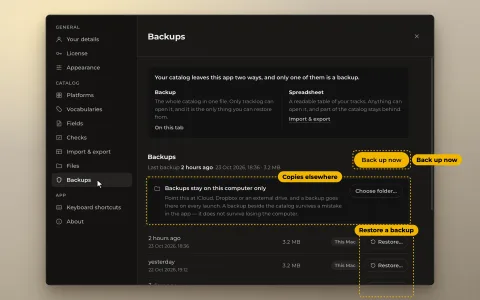 Backupstracklog saves a copy of your whole catalog every time it starts. You can also save one at any moment, and go back to any copy.
 New computerMove your catalog and your license to another computer, Mac or Windows.