Beat lease vs exclusive: how to keep track of beat sales
You lease the same beat to many artists, and one day someone buys it exclusive. Here is how the two licenses differ, what the big beat stores say happens next, and what to write down so nothing is missed.
In short. A lease is a non-exclusive license: many artists can use the same beat, within limits you set. An exclusive license is sold once, and after it nobody else can license the beat. On BeatStars and Airbit, leases sold before the exclusive stay valid under their own terms. After an exclusive sale, the beat must come down from every store, every account and your YouTube channel, and out of Content ID. So for every sale, write down the beat, the buyer, the license and the limits, and keep a list of every place the beat is listed.
Lease and exclusive
A lease (a non-exclusive license) lets an artist record a song on your beat and release it. You keep the beat. You can lease it to other artists at the same time. Each lease has limits that you set.
An exclusive license is different. BeatStars describes it as a sale that transfers your rights in the master recording to the buyer. The composition is covered separately in the agreement. After it, the beat is not for sale anymore.
| Lease | Exclusive | |
|---|---|---|
| How many buyers | Any number | One |
| Who owns the beat after | You | The buyer, as the contract says |
| Limits | Streams, copies, videos, a term | Usually none on use |
| The beat on your store | Stays for sale | Comes down |
BeatStars says it plainly: producers set their own terms, and contracts vary. This is not legal advice. The wording of your contract decides.
Typical lease tiers
You set the tiers yourself. Store examples show the usual pattern. Airbit lists names like Basic, Basic WAV, Premium, Premium Trackout and Unlimited. A higher tier gives better files and higher limits:
- MP3 lease: an MP3 file, the lowest limits.
- WAV lease: a WAV file, higher limits.
- Trackout lease: the stems (each instrument as its own file), so the artist's engineer can mix the song.
- Unlimited lease: no caps on streams or copies. It is still non-exclusive. Airbit says every license except the Exclusive one is non-exclusive, whatever its name.
The limits come from the license settings. On BeatStars, the contract template fills in these fields for each sale:
- how many years the license lasts;
- which files are included;
- how many copies the artist may distribute;
- how many monetized audio streams;
- how many monetized music videos, and how many video streams;
- how many radio stations;
- how many live performances, for profit and not for profit.
What happens to leases after an exclusive sale
Both big stores say the same thing about their default contracts. As of October 2026:
- BeatStars: non-exclusive licenses sold before the exclusive sale stay valid. Selling exclusive rights does not cancel them. A producer can change this in their own contract.
- Airbit: anyone who leased the beat before the exclusive sale can still use it under the terms of their license.
So the exclusive buyer shares the beat with every song made on an earlier lease. Tell them how many leases were sold before, and when. If your contract says something else, your contract decides.
The beat must come down everywhere
The stores remove the beat only in part:
- BeatStars removes the beat from the Marketplace and Pro Pages when the exclusive is bought on BeatStars. It does not remove other versions, such as a version with a hook or a remix. It does not remove copies your collaborators uploaded. If you sell the exclusive outside BeatStars, nothing is removed automatically. BeatStars says all versions must be removed from all accounts after an exclusive sale.
- Airbit removes the beat from its store after an exclusive sale on Airbit. It warns that other platforms may not do this.
Neither store can touch your other stores, your website, or your YouTube channel. You have to do that yourself. This is where producers slip: a beat sold exclusive on one store is still leased on another, and a second artist buys it.
Content ID on beats
YouTube's Content ID finds a registered recording in any video and puts a claim on it. How it works in general: YouTube Content ID.
With beats, this hits your own customers. If you register a beat that you lease, every song made on it can match. Airbit explains it from the buyer's side: a claim is not a copyright strike, but ads run on the video and the artist can't monetize it. The artist clears it by contacting you with the order number, or by disputing the claim on YouTube. Some producers release claims for every license. Others release them only for higher tiers. Airbit recommends writing your Content ID policy into the contract, so buyers know before they pay.
To register a recording in Content ID, you need exclusive rights to it. Content licensed non-exclusively from someone else does not qualify. So once you sell a beat exclusive, you no longer have the rights to register it. Airbit says the same: you can't monetize a beat you sold exclusively, and support will remove it. Removing it stops new claims. Claims already placed stay until you release them.
BeatStars ended its own Content ID & More service. New tracks were not accepted after December 8, 2025, and enrolled tracks were removed from YouTube, Meta and TikTok by January 14, 2026. If you use another Content ID service, the same rules apply: one company per recording, and out after an exclusive sale.
What to record for every sale
The stores keep their own order history. They don't know about your other stores or your direct deals. Keep one record of your own, with:
- the beat: its title, and the titles of its other versions;
- the buyer and the artist name they release under;
- the license type and the tier;
- the date of the sale;
- the limits: streams, copies, videos, the term;
- the contract file, saved where you can find it;
- every place the beat is listed: each store, your website, your YouTube channel, collaborators' accounts, Content ID;
- whether it was sold exclusive, and when.
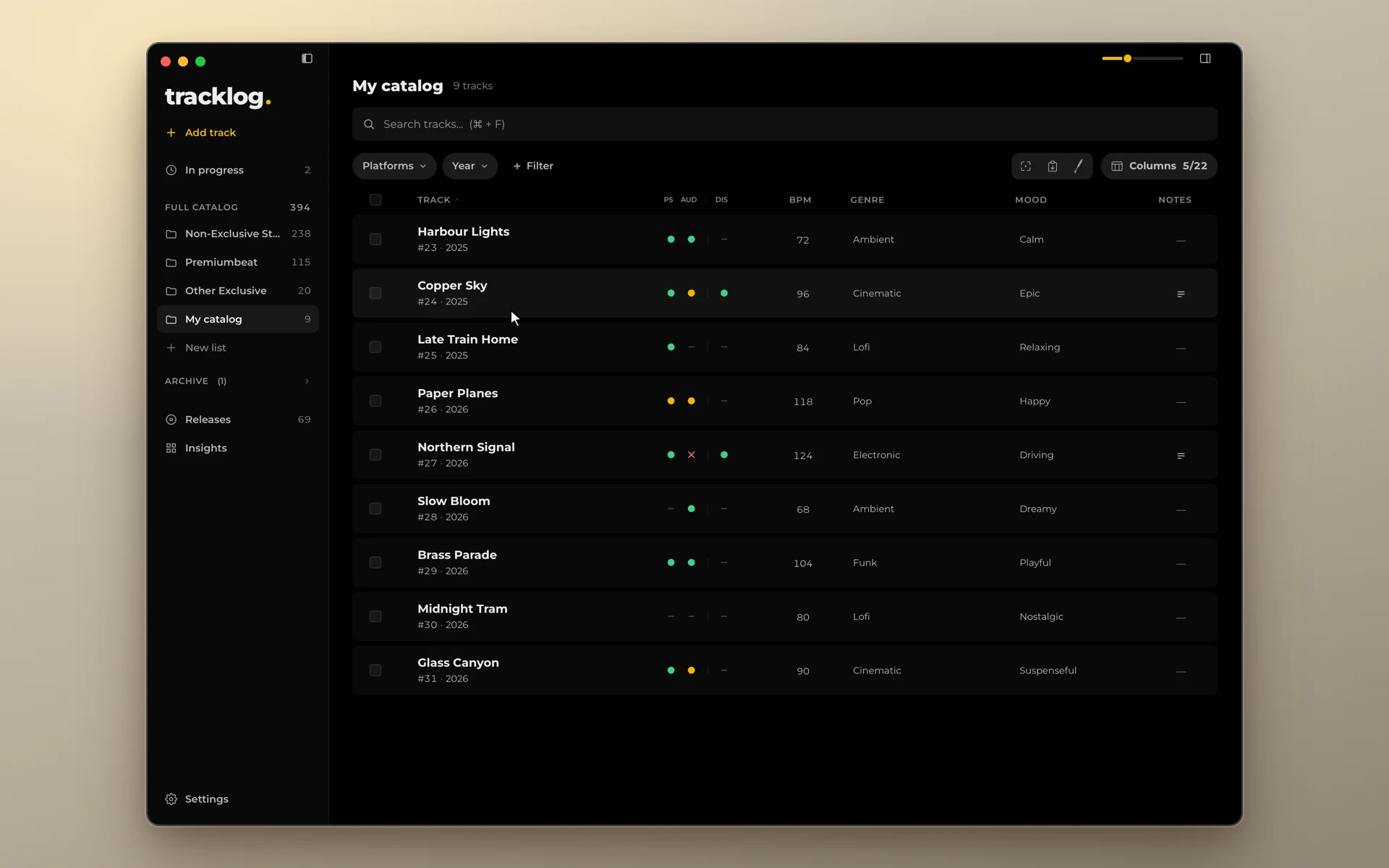
The last two are the ones that matter on the day of an exclusive sale. With 200 beats on three stores and a YouTube channel, nobody keeps that in memory. See How to keep track of where your music is uploaded.
Checklist after an exclusive sale
- Save the signed contract and the buyer's details.
- Check that the store took the beat down, if it was sold there.
- Take it down from every other store, and from your website.
- Take down every other version: with a hook, remixes, uploads by collaborators.
- Take down or make private the video on your YouTube channel.
- Remove the beat from Content ID, and release the claims already placed.
- Tell the buyer how many leases were sold before.
- Mark the beat as sold exclusive in your record, with the date.
Libraries and stock sites have their own exclusive deals, with different rules. See Exclusive or non-exclusive music libraries.
Sources
- Can people who purchased a Non-Exclusive License still use the material after the Exclusive rights are sold?, BeatStars Help Center
- Content Licenses (Contracts) FAQs, BeatStars Help Center
- What are the differences between the available licenses and terms?, BeatStars Help Center
- Can You Sell the Same Beat Twice?, BeatStars Help Center
- Do I have to remove the track when I sell an Exclusive contract?, BeatStars Help Center
- Content ID & More Wind Down FAQs, BeatStars Help Center
- What do the different licenses mean?, Airbit Support
- Can other people buy/use the beat I've just bought?, Airbit Support
- I'm using a beat from the Airbit Marketplace, will my video be claimed on YouTube?, Airbit Support
- I have a Content ID claim on my video: what does this mean, and how do I remove it?, Airbit Support
- Do I need to add any information in my contract about Content ID?, Airbit Support
- Can I monetize a beat I've sold exclusively?, Airbit Support
- When I delete a beat, will my claims be released?, Airbit Support
- Content eligible for Content ID, YouTube Help