Statuses
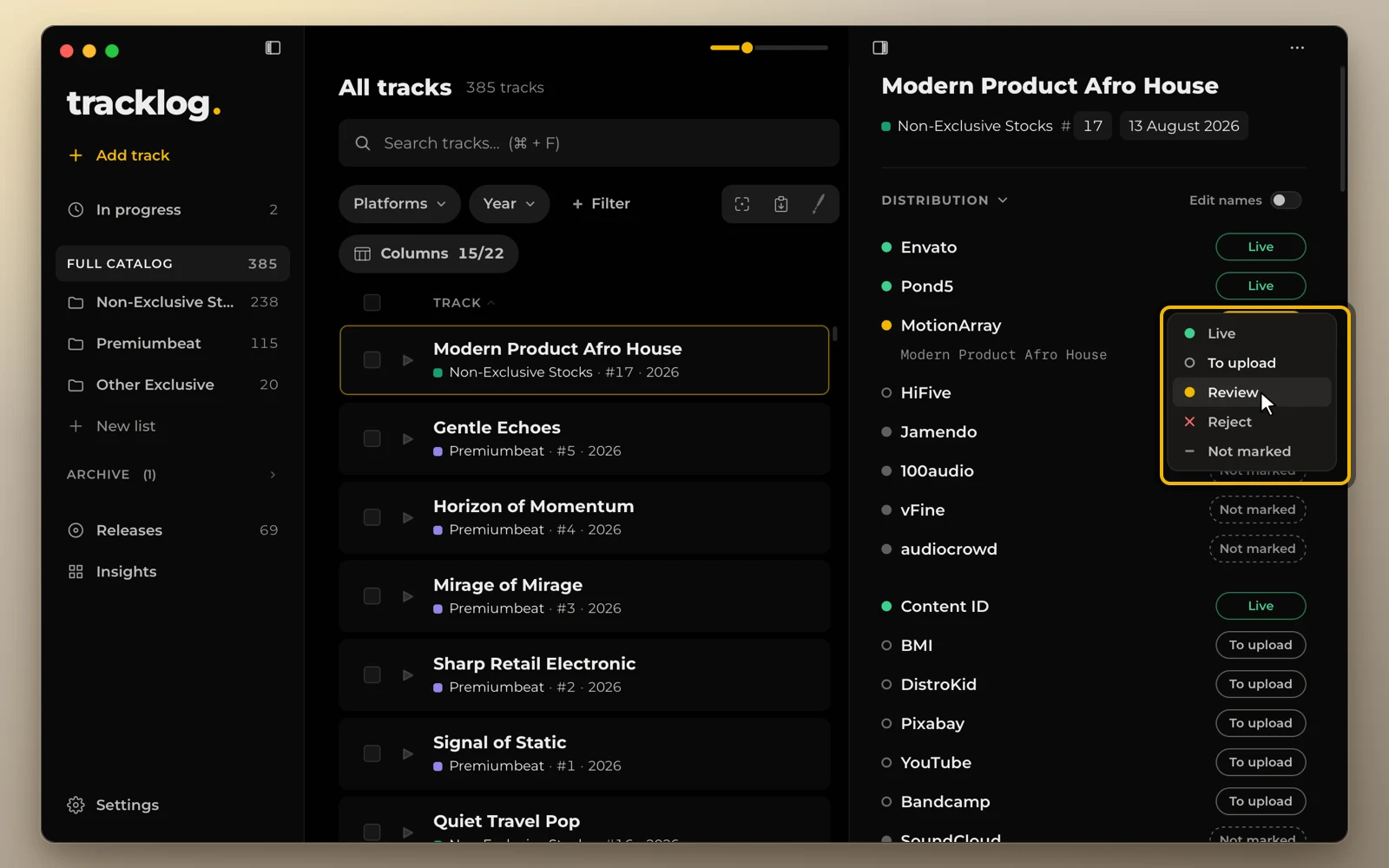
Each track has one status on each platform. Five statuses, the same colors everywhere in the app.
The five statuses
| Status | Meaning |
|---|---|
| Live | Published there |
| To upload | You plan to send it there |
| Review | Sent, waiting for approval |
| Reject | Sent, not accepted |
| Not marked | Nothing recorded, or you don’t send it there |
Change a status
Click a dot to switch between Live and To upload. Press and hold, or right-click, to pick any status. This works the same in the catalog and in the track card.
Paint many statuses
The paint brush sets one status with each click, so you can mark a whole column fast.
- Click the brush next to Columns and pick a status.
- Click the dots you want to change.
- Press Esc to put the brush away.