Find tracks
Search looks through everything on a track. Filters show only the tracks you need right now.
Search
Press ⌘ + F and type. Search looks at titles, names on platforms, past titles, catalog numbers, genres, moods, descriptions, notes, tags, codes and releases. Accents don't matter: "cafe" finds "Café".
On the right of the search box you see where the words were found, and how many tracks each: Titles, Tags, Descriptions and so on. Click one to see only those tracks. Click All to see everything again. In a narrow window the box shows By name and Other fields. Click Other fields to pick one field.
Tracks with the words in a name come first. Each other row says where the words are, for example "in tag: piano". In tags and descriptions, search matches the start of a word.
If no track name holds the words, the box says No names. That is a quick way to check if a name is free. Years and tempo have their own filters: use Year, or BPM in + Filter.
Press ↓ to move from the search into the list, and Return to open a track. The track card marks the words too, wherever they are, and scrolls to them.
Filters
Filters sit under the search. The most useful one is Platforms → Not live yet. It shows every track that is not live yet on the platforms you choose. Each list remembers its own filters.
Columns
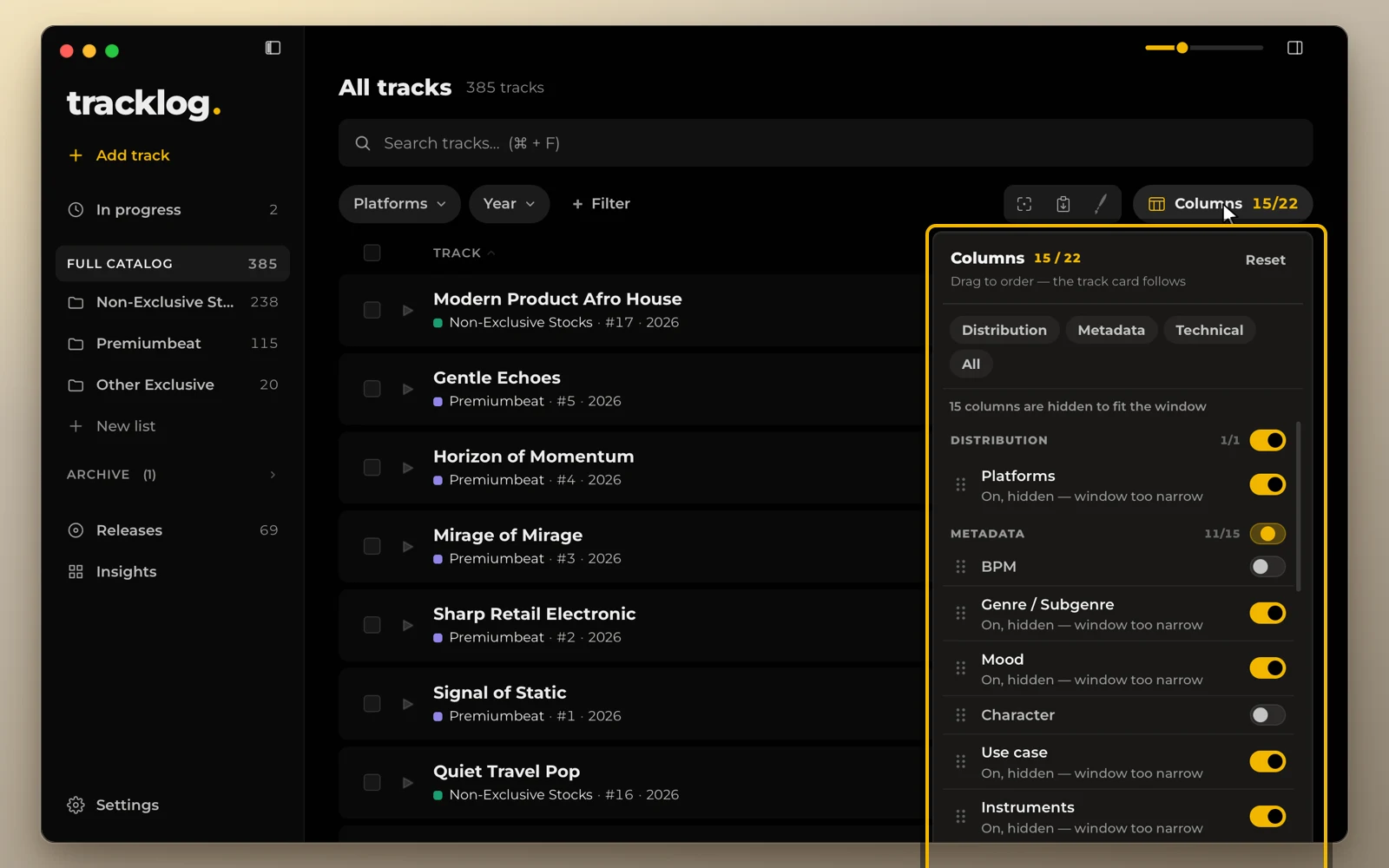
The Columns menu chooses which fields the catalog shows, and in what order.
Drag a field by its handle to move it. Drop it under another heading to move it to that group. The track card follows the same order.
To make everything bigger or smaller, press ⌘ + Plus or ⌘ + Minus.