Edit many tracks
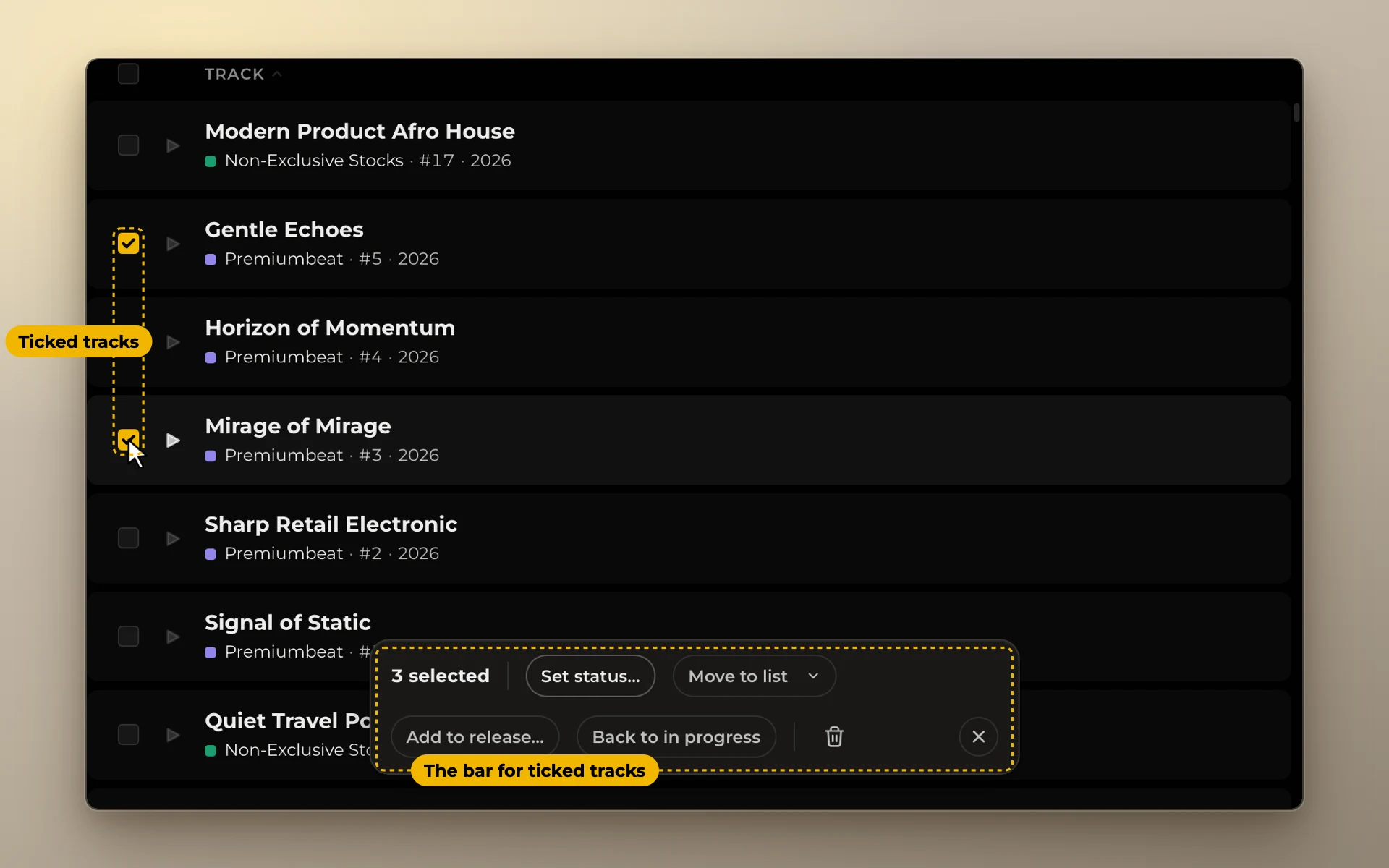
Tick several tracks and change them together.
Select tracks
Tick several tracks, or press ⌘ + A to select every track on screen. A bar appears at the bottom:
- Set status… on one or more platforms;
- Move to list;
- Add to release…;
- Back to in progress;
- Delete.
Esc clears the selection.
Moving and deleting many tracks can be undone for a few seconds. See Undo.