Backups
tracklog saves a copy of your whole catalog every time it starts. You can also save one at any moment, and go back to any copy.
Save a backup
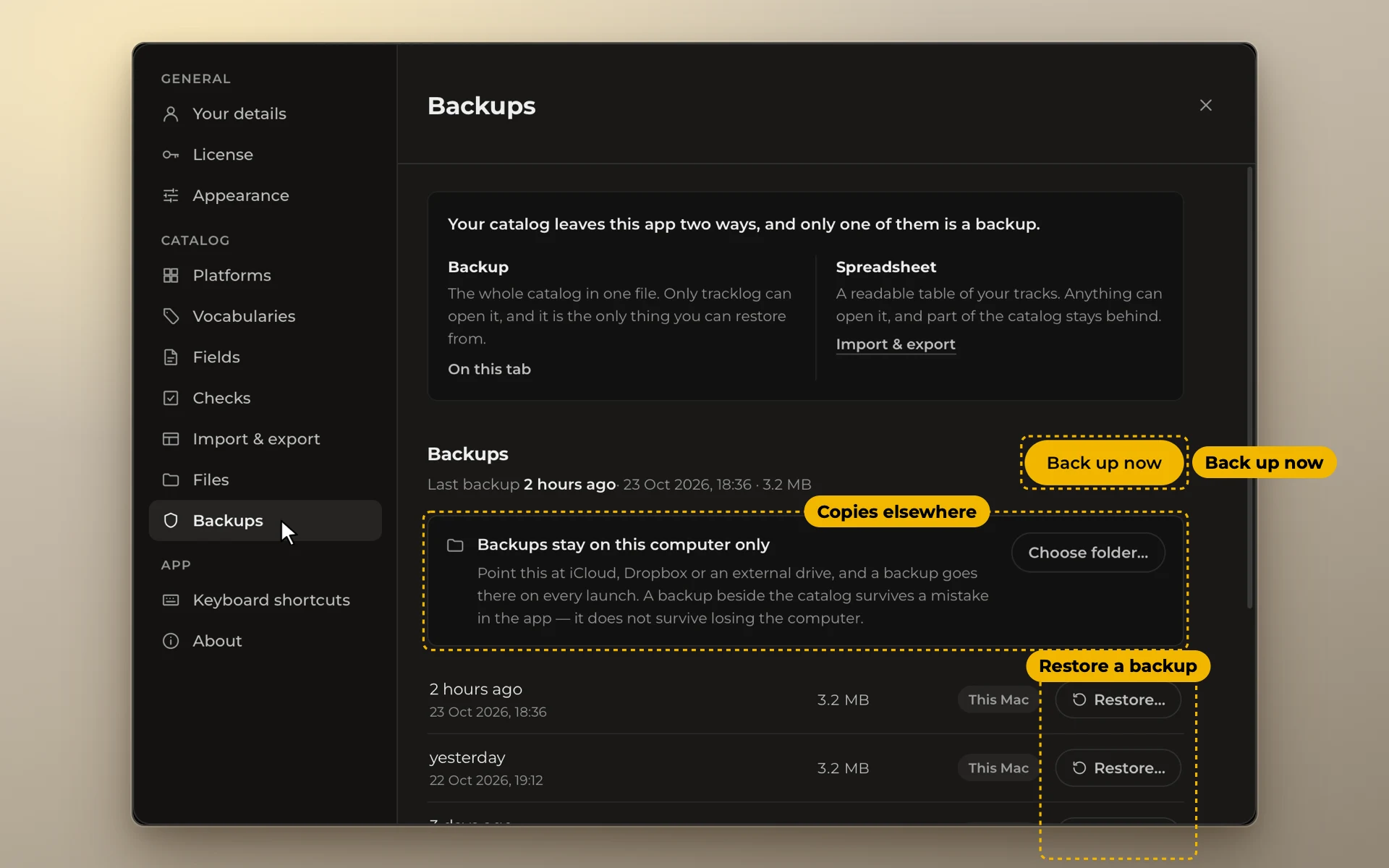
tracklog makes a backup every time it starts. To make one now, open Settings → Backups and click Back up now.
Keep copies in a second place
Click Choose folder… and pick iCloud Drive, Dropbox or an external drive. Every backup is saved there too.
Never move the catalog itself into iCloud or Dropbox. Cloud sync can damage it. Only backups go there.
Go back to a backup
Pick a backup and click Restore…. Your current catalog is backed up first, so you can undo a restore.