Lists and platforms
A list is a folder for tracks. Each list has its own platforms, so each list shows only the columns that matter for it.
What a list is
A list is a folder for tracks: one per project, alias, client or library. Each track is in one list. Tracks without a list go to Unfiled.
Full Catalog in the sidebar shows all lists together.
Create a list
Click New list in the sidebar. Type the name and tick the platforms for this list. Then click Create list.
Change a list
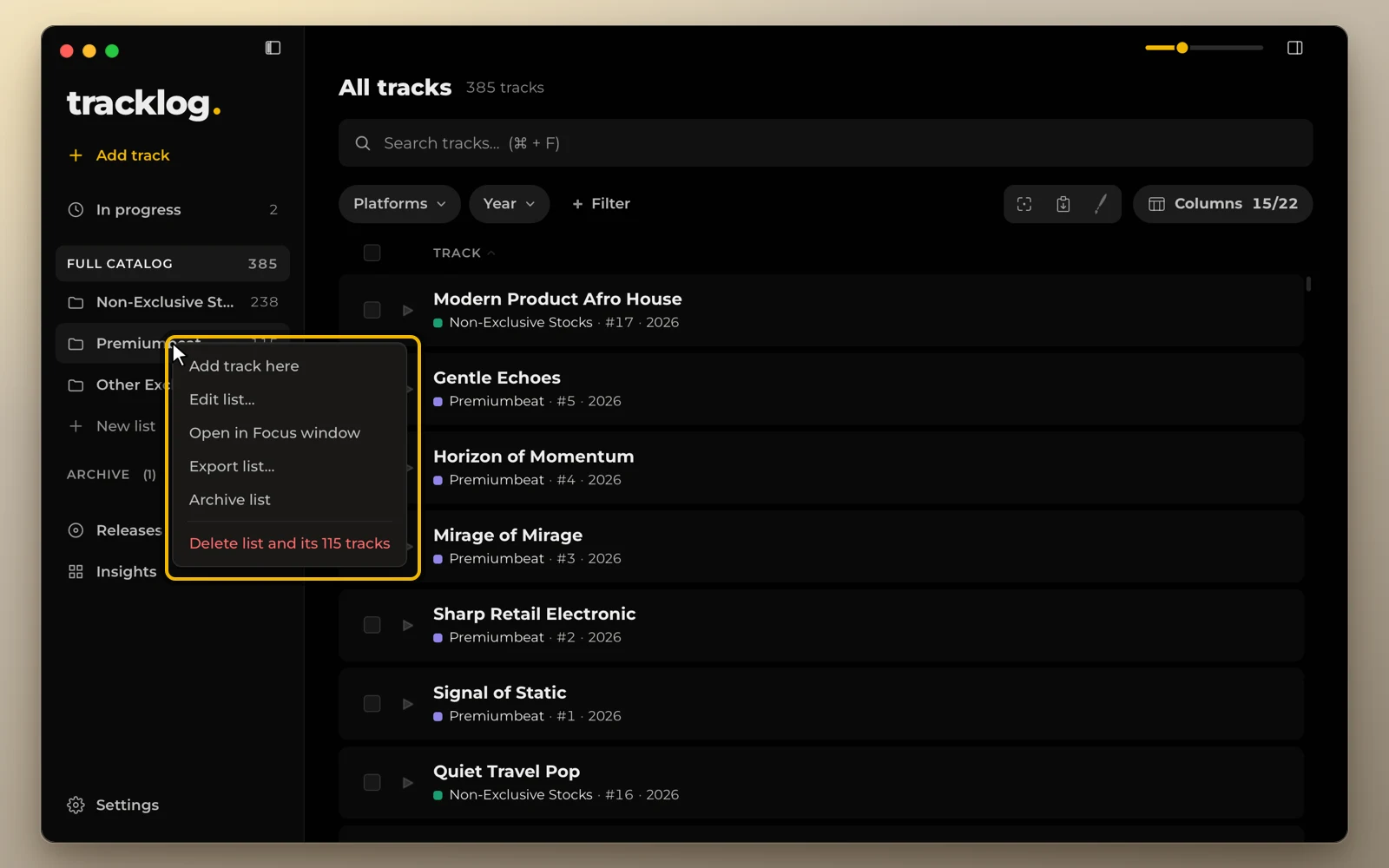
Drag lists to reorder them. Right-click a list to edit, rename, archive or delete it. To move a track, drag it onto a list in the sidebar.
Unticking a platform in a list deletes nothing. The column hides, the statuses stay saved and come back when you tick it again. To delete a platform completely, use Settings → Platforms.