Genres, moods and tags
Descriptive fields are picked from word lists, so the same word is spelled the same way on every track.
Pick words
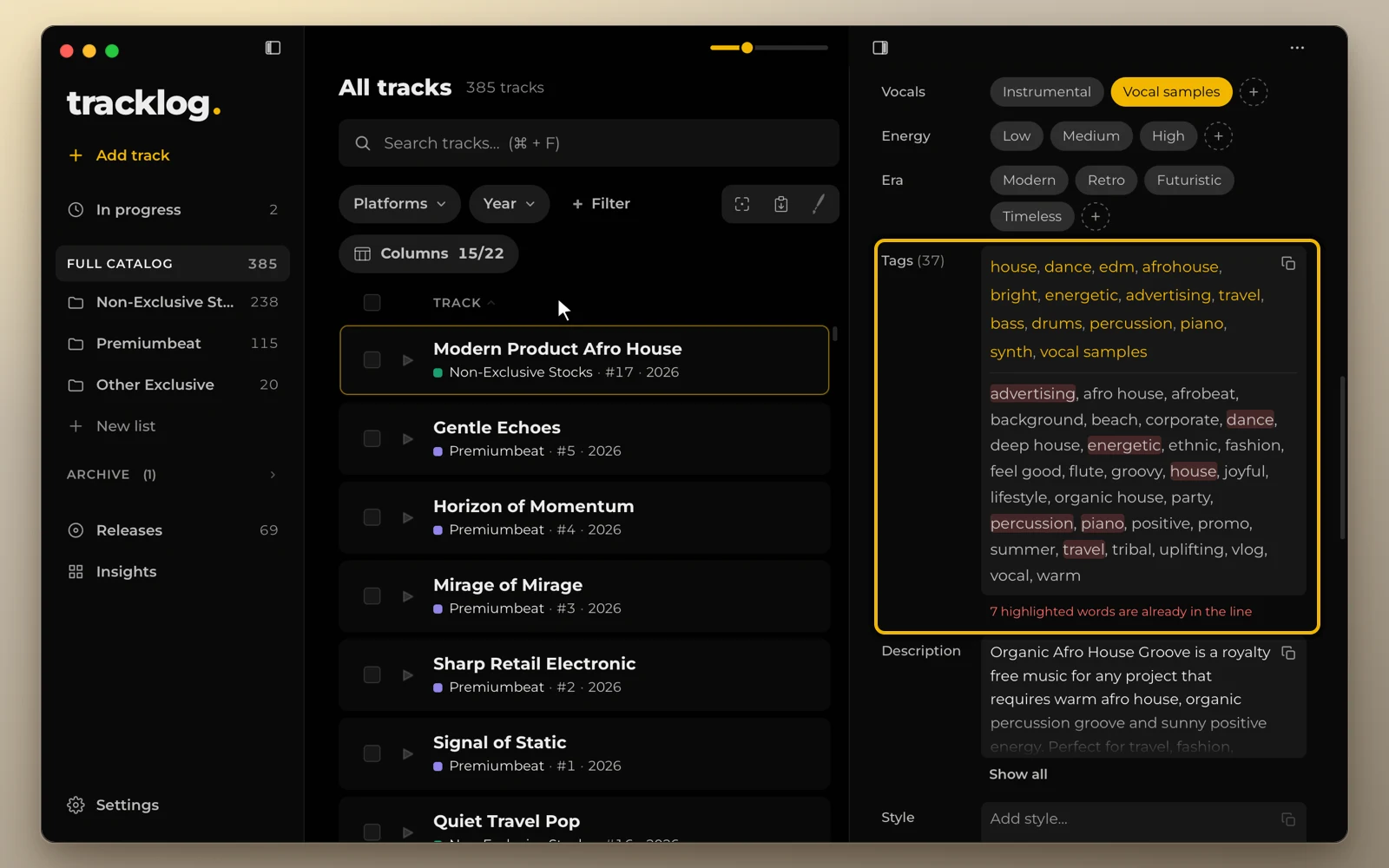
Genre, mood, use case, instruments and the other descriptive fields are picked from word lists. Click the + next to a field to see the whole list. Type to filter it, or to add a new word.
All tags
The All tags line joins every word you picked, plus your extra tags. To paste it into an upload form, click the copy icon next to it. The number beside its name counts the tags, and repeated words are marked.
Change the word lists
Edit the word lists in Settings → Vocabularies. Turn fields on or off in Settings → Fields.