Export
Save your catalog as a spreadsheet. Choose the tracks and the columns, and see the result before saving.
Export to a spreadsheet
Open Settings → Import & export and click Export to a spreadsheet…. Choose which tracks go in: the full catalog, some lists, what is on screen, or the selected tracks. Then choose the columns. A preview shows the result before saving.
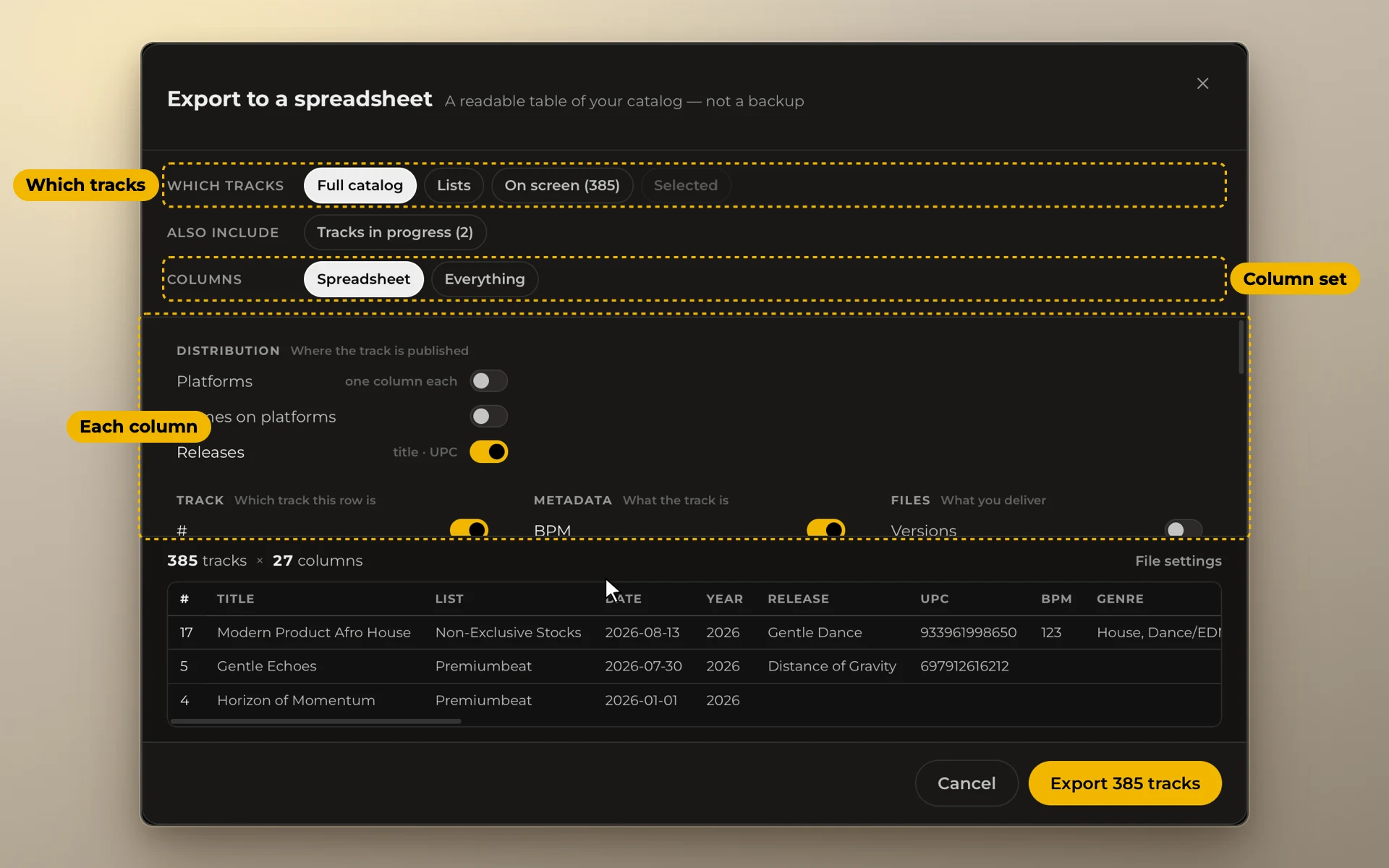
The Everything preset makes a file you can import back without losing anything.
A spreadsheet is not a backup. Anything can open it, but part of the catalog stays behind. For a full copy, use Backups.